

Answer.AI’s research scientist, Alexis Gallagher, recently wrote a provocative post on why Claude Code won, even though it looks like this:
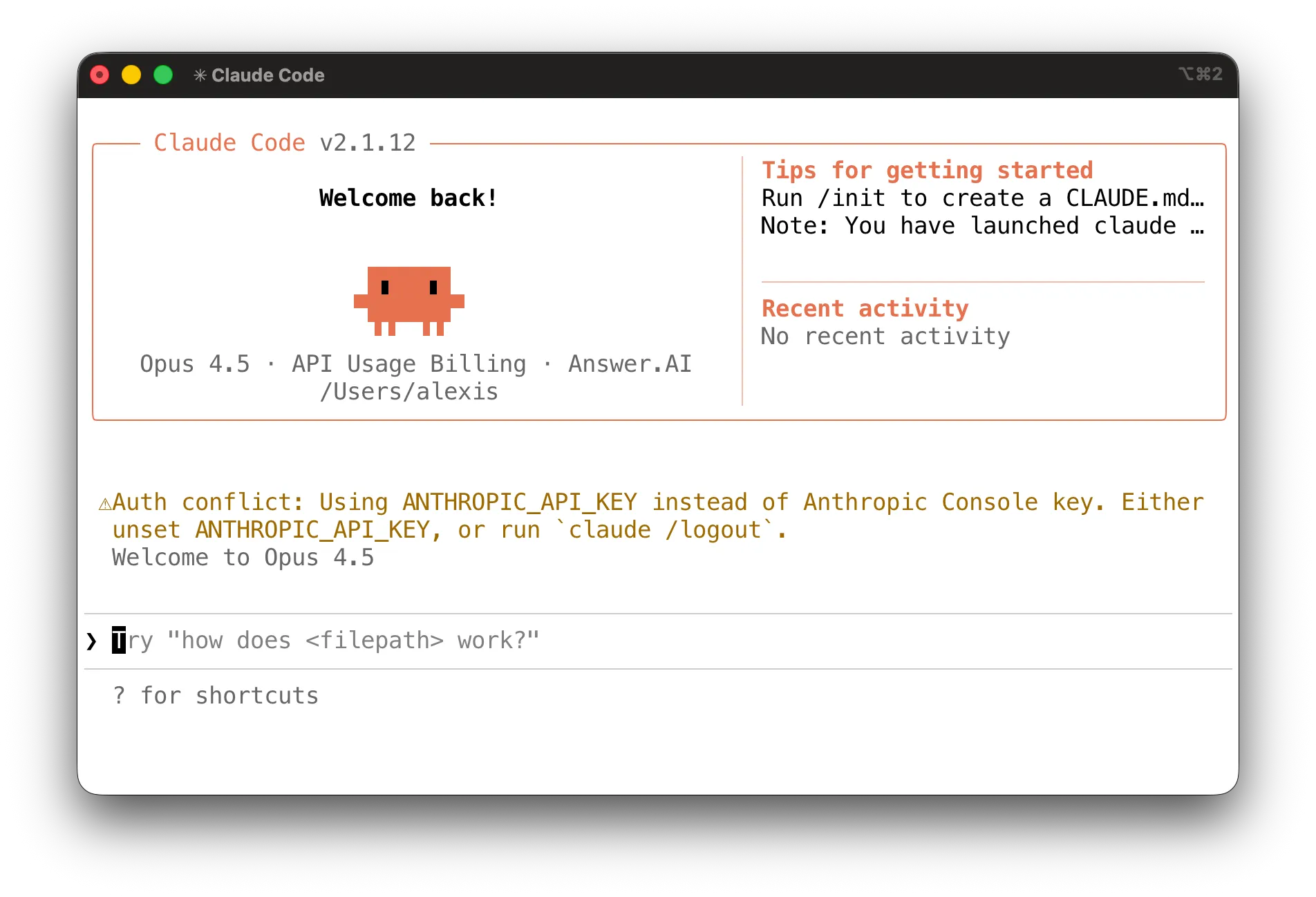
Claude Code won not despite but because of the command line, because the command line is special. In a modern computer, it is the only preinstalled integration environment, by which I mean a place where two independently authored programs can easily combine and interact with each other. The key to enabling powerful AI agents is giving them tools which work in such environments.
I think this is exactly right — there’s something very powerful about the way Claude Code has direct read/write access to your file system, can run shell commands, and string them together to, essentially, write little programs that do what you ask. The experience is:
Setup a folder that has the data you want Claude to process (like your bank statements)
Navigate to that folder in terminal and invoke “claude” (tricky part)
Ask Claude, in natural language, for whatever you want (“how much did we spend eating out last year compared to grocery shopping?”)
The last part is important. All kinds of text flows through the interface, but in the end it’s just a chat experience with the computer.
I strongly recommend watching the whole video and reading the whole essay. It ties together many of the threads we’ve been exploring in this newsletter over the past year.
We close with Alexis recommending how to setup Claude to support small teams. This comes from direct work he’s done implementing this in a technology-first services firm in SF.
Stage 1: Setup a folder for each process you want to AI to drive, and name it appropriately (“Recruiting calls”, “Inventory Management”). Write the playbook for how to do that thing in a markdown file and put it in that folder. If you don’t have a playbook, you need one.
Stage 2: Make a skills directory (skills.md) where you can put somewhat complicated procedures that need to happen each time a certain way. These also exist as markdown files.
Stage 3: Embed the skills into a software library that calls and loads them dynamically and unloads them.
But you can get really far with just Stage 1.


